The names sound like a pirate convention. Sonarr, Radarr, Prowlarr, Jackett, Bazarr. Once you know what each one does it stops being confusing and turns into one of the more satisfying pieces of automation in a homelab.
What the stack actually does
You add a show or a movie to a watchlist. Later it shows up in your media library, downloaded, organized, and named properly. No manual searching. No renaming files at 11pm because your media server won’t recognize “movie.720p.FINAL2.mkv” as anything at all.
The pieces
Every version of this starts with an indexer layer, something that knows where to look for a release. Prowlarr is the current default recommendation, since it syncs its indexer list straight into Sonarr and Radarr instead of making you configure indexers in three places. Jackett does the same job, predates Prowlarr, still works fine, and plenty of setups run it because it was already there.
Sonarr handles TV. Radarr handles movies. Same idea for both: you tell it what you want, it searches your indexers, picks the best quality match based on rules you set, and hands the file to a download client, usually qBittorrent or Deluge.
Then the optional layer. Bazarr finds and downloads matching subtitles. Overseerr gives everyone else in the house a clean way to request something without touching Sonarr or Radarr directly, which kills the “can you download this for me” texts. Neither is required for the core loop. Both solve real annoyances once the basics run.
Setting it up without losing a weekend
Start with the indexer manager, whichever you pick. Get indexers added and tested there first, because everything downstream depends on it.
Then add Sonarr and Radarr, pointing each at your indexer manager with the API key each app shows under Settings, General. Once those are talking to each other and to your download client, the automation runs itself. Add Bazarr and Overseerr later, once the core loop is solid.
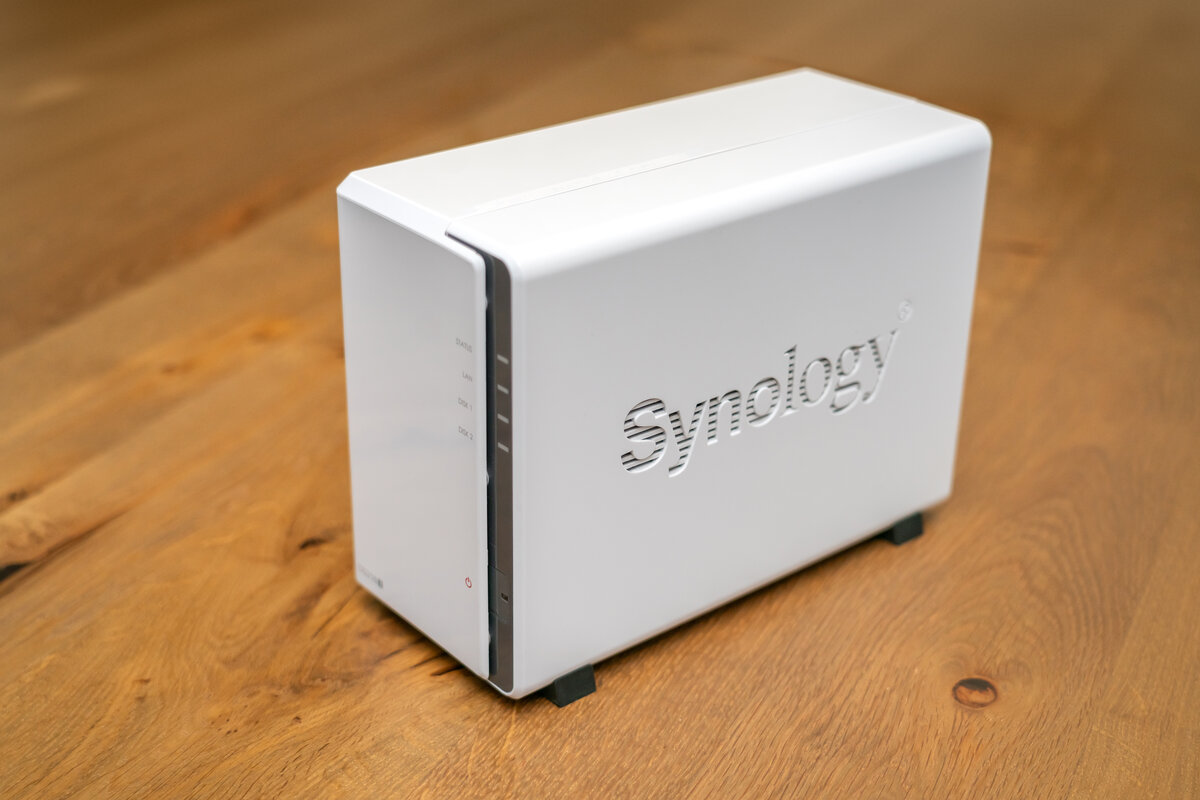
Docker Compose is the sane way to run all of it. One file, every service defined, and you can tear the whole stack down and rebuild in minutes when something breaks. Most modern Synology and QNAP boxes handle Docker fine, so it doesn’t need a dedicated machine. On a Synology specifically, our Docker vs. Package Center guide covers Container Manager from scratch, and the stack pairs with whichever media server you land on, Plex or Jellyfin.
The honest warning
This stack is genuinely addictive to tune. You’ll catch yourself adjusting quality profiles at midnight for a show you haven’t started watching. Set your rules once and walk away. That’s the entire point, even when getting there takes longer than you planned.
Part of a bigger project
The Arr stack is one piece of our Home Media Server project. Full build log and specs are over there. Fighting with your own indexer setup, or want to compare quality profiles? Swing by The Bench.