This argument shows up in every homelab forum thread eventually, and both sides are right, which is the annoying part.
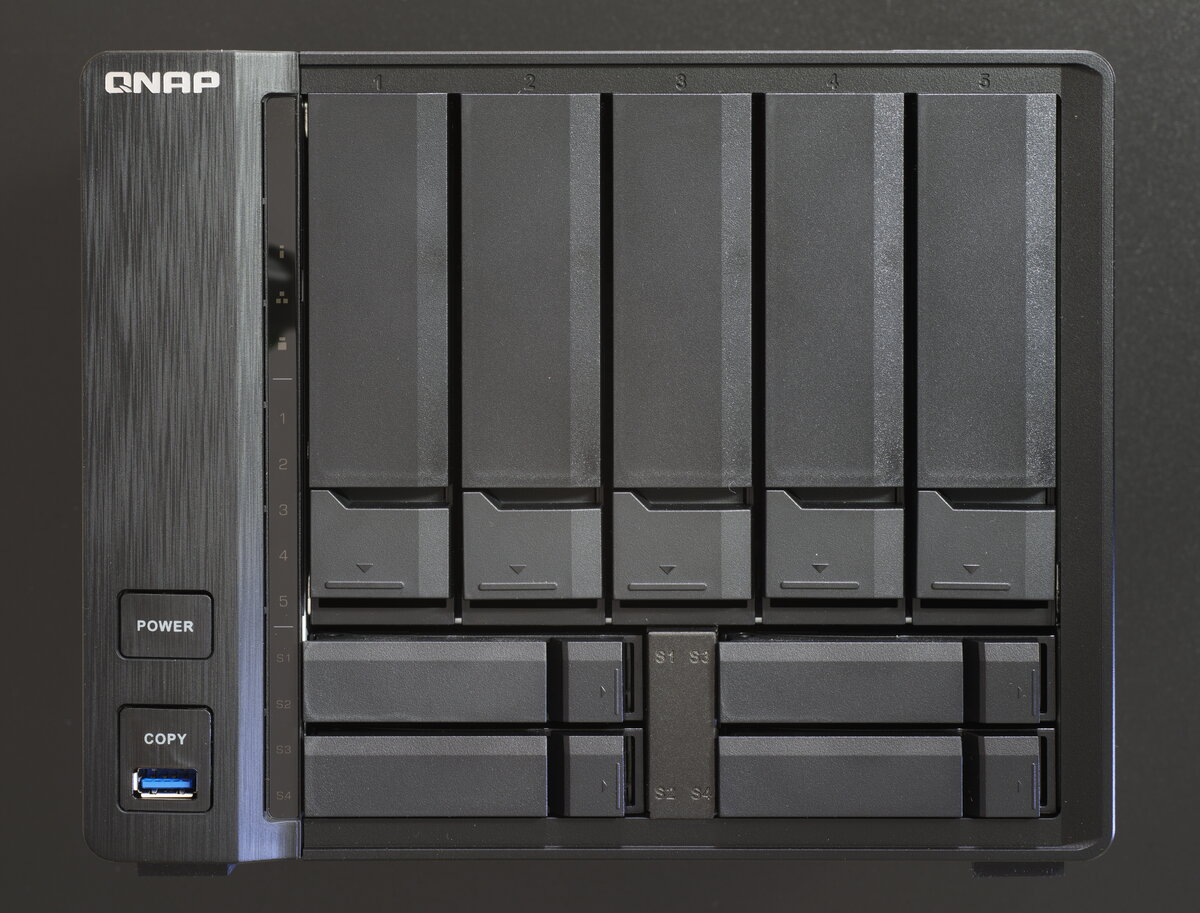
The actual difference
Software versus hardware. Synology builds the most polished, beginner-friendly NAS operating system on the market and charges accordingly, usually on hardware a generation or two behind. QNAP hands you noticeably more hardware for the same money and asks you to tolerate an interface that rewards tinkering more than it welcomes newcomers.
Put a $500 Synology next to a $500 QNAP and benchmark them. The QNAP wins, usually by a lot. Newer Intel processors, dual NVMe slots for caching, HDMI out, faster networking. Synology’s answer to that gap has always been “our software is worth it,” and for a lot of people it genuinely is.
The drive lock-in problem
Newer Synology models want Synology-branded or Synology-validated drives to unlock full health monitoring and some DSM features. Third-party drives still work, but you’ll get a compatibility warning every time you open Storage Manager. QNAP has no such restriction. Any SATA drive you already own works without complaint.
If you’ve got a pile of drives from a previous build, that matters more than any spec sheet.
Where each one wins
Synology is the right call for boring things done well. File storage, scheduled backups, a handful of Docker containers, a box you set up once and trust for years without thinking about it. DSM stays out of your way, which for plenty of people is the whole point of owning a NAS.
QNAP is the right call when you want the NAS working for a living. Jellyfin transcoding, the Arr stack, anything CPU or storage-hungry. The extra hardware headroom shows up immediately. You’ll spend more time in menus getting there and you won’t hit a wall the hardware can’t clear.
What we’d tell a friend
First NAS, mostly backups and a container or two? Buy the Synology and stop reading comparison posts.
Already know you want media transcoding or a full self-hosted stack on it? Spend the same money on QNAP and enjoy the horsepower.
Either way you’re better off than the folder of external hard drives you’re replacing.
Actually setting one up
Landed on Synology? Full walkthrough here: Getting Started with Your Synology, first boot through backups. Went QNAP instead? Getting Started with Your QNAP covers QTS setup and the port-forwarding mistake that got a lot of QNAP owners ransomwared.
Part of a bigger project
This argument feeds directly into our Home Media Server project. Already picked a side, or want to talk us out of ours? Make your case on the thread that already exists for this exact fight.